
See the whole fleet
Compare machine names, current earnings, recent history, and health status in a single operations view.
Install for Chrome →Salad Tracker is the Chrome extension that turns your Salad machine data into one calm, useful view of earnings, fleet health, GPU demand, and downtime.
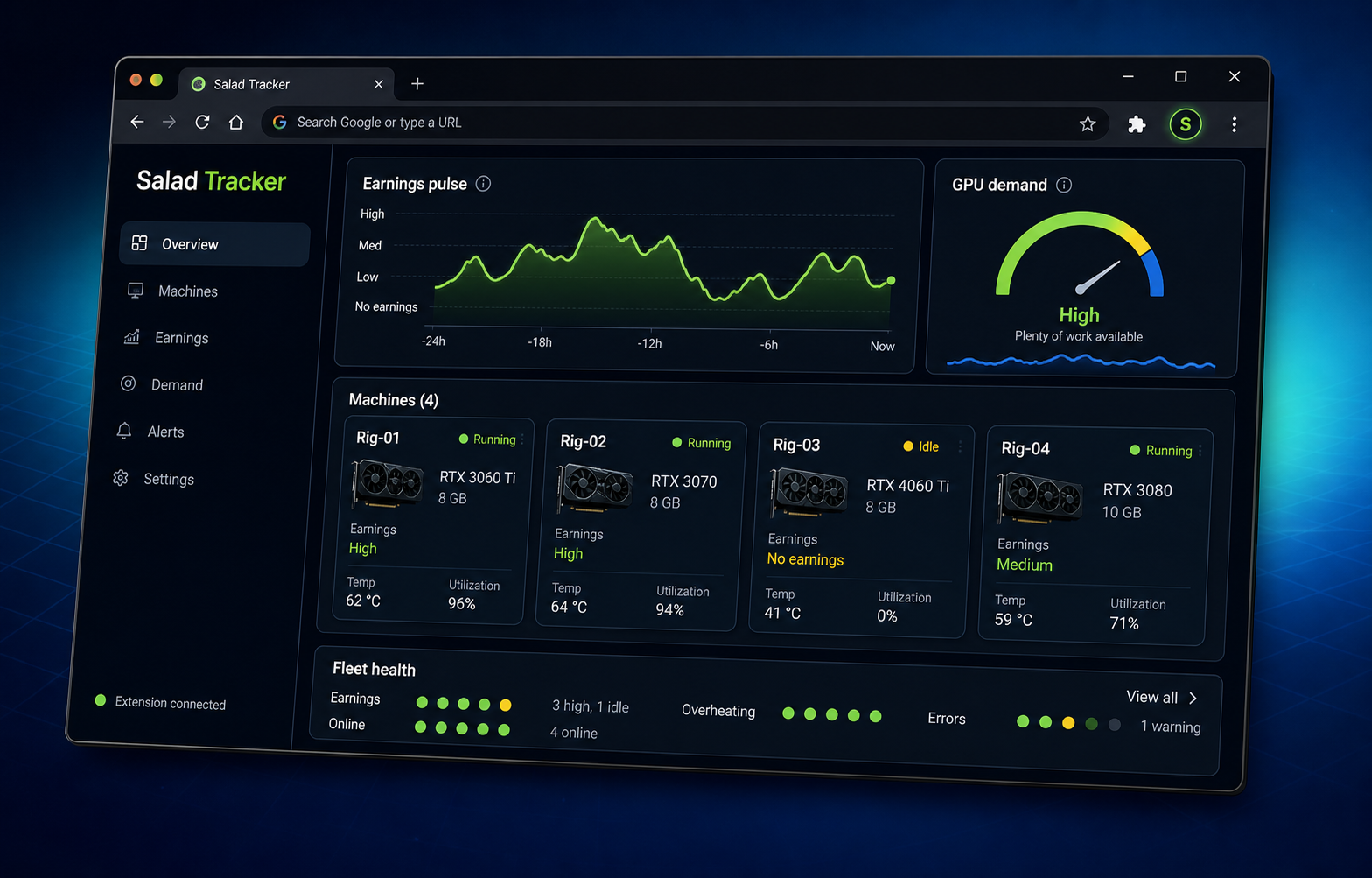
Open the dashboard beside Salad and see the signal that matters without hunting through tabs or spreadsheets.
Compare machine names, current earnings, recent history, and health status in a single operations view.
Install for Chrome →Separate a normal no-earnings period from a missing check-in, an offline rig, or an unknown collection gap.
Explore Pro context →Use GPU demand and your own earning history together before you change hardware or add another rig.
Read support guides →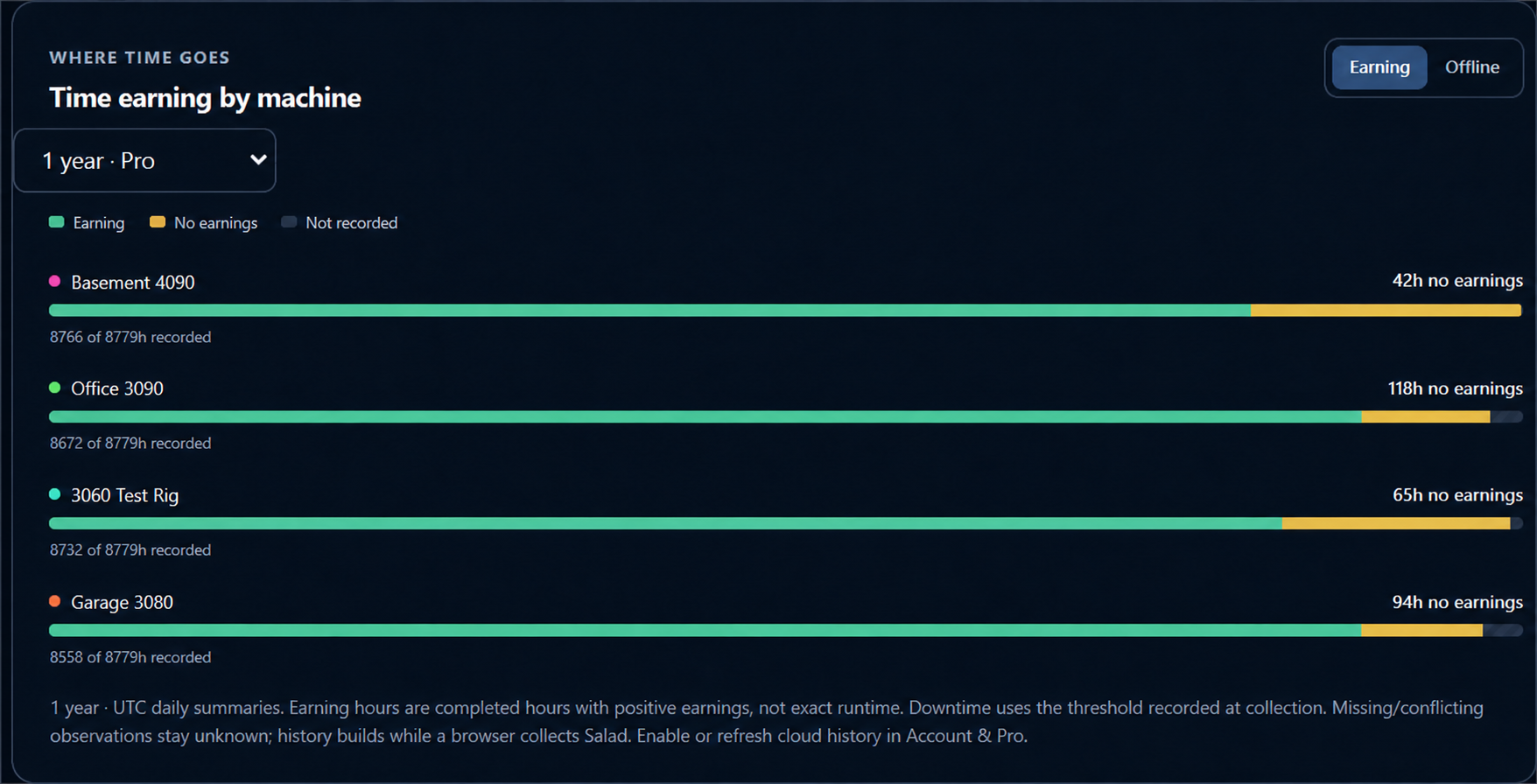
A yellow no-earnings segment can mean Salad is waiting for work—not that the rig is broken. The dashboard keeps that distinction visible so you can troubleshoot with context.
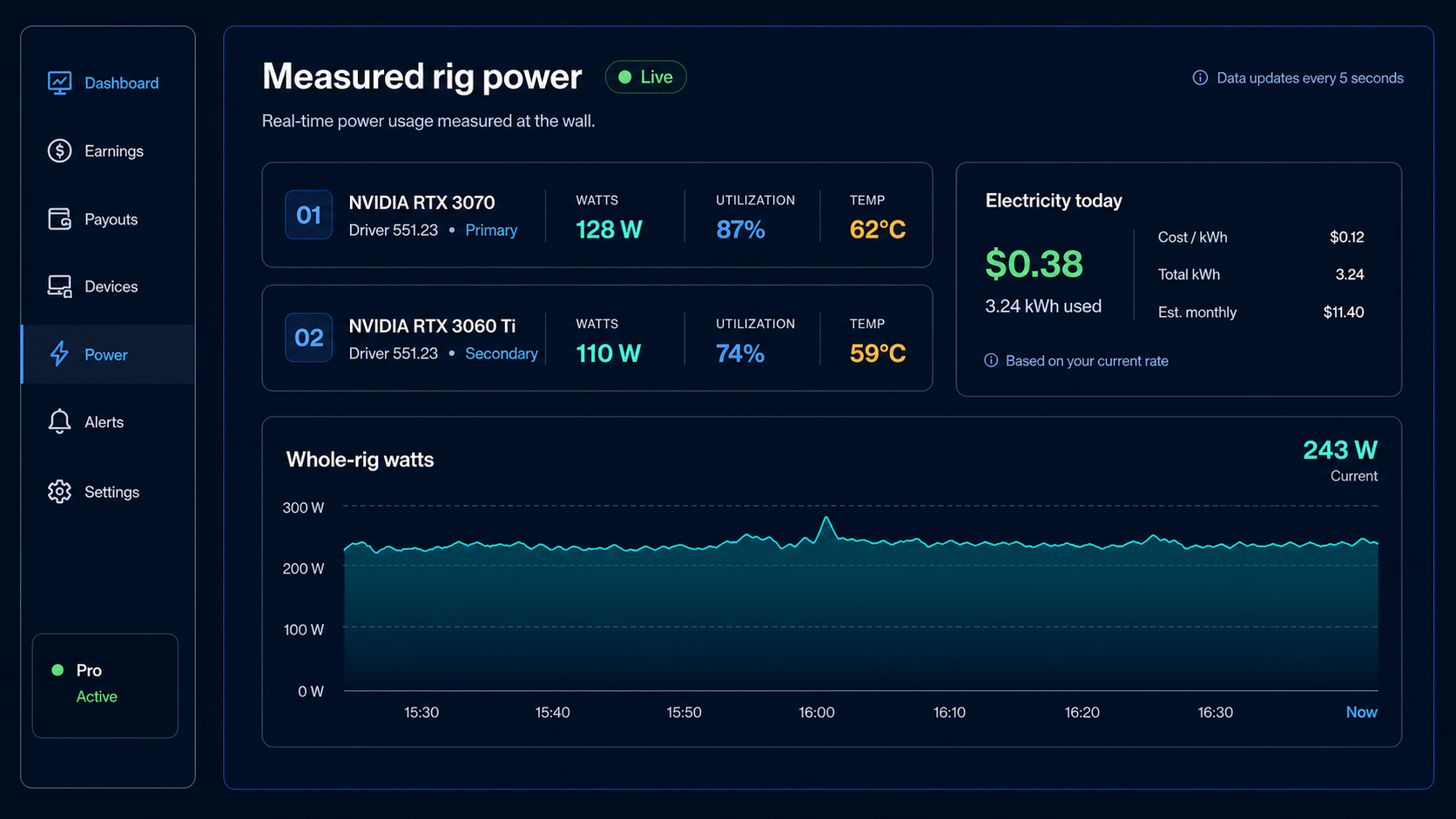
Add the Windows/NVIDIA monitor when you want whole-rig watts, utilization, temperature, electricity cost, and estimated net earnings alongside Salad activity.
Salad Tracker stays useful on one computer and grows with a multi-rig farm.
Get Salad Tracker from the Chrome Web Store and open Salad in the same profile.
The dashboard organizes the machine and earnings data already available in Salad.
Keep it local, or add Pro cloud history, alerts, a hosted dashboard, and measured telemetry.
When one browser is not enough, Pro keeps the farm understandable across PCs and over time.
Optional features require explicit consent. Free local tracking remains available without an account.
These are the moments Pro is designed to make easier: reviewing history, syncing machines, and staying ahead of the next alert.
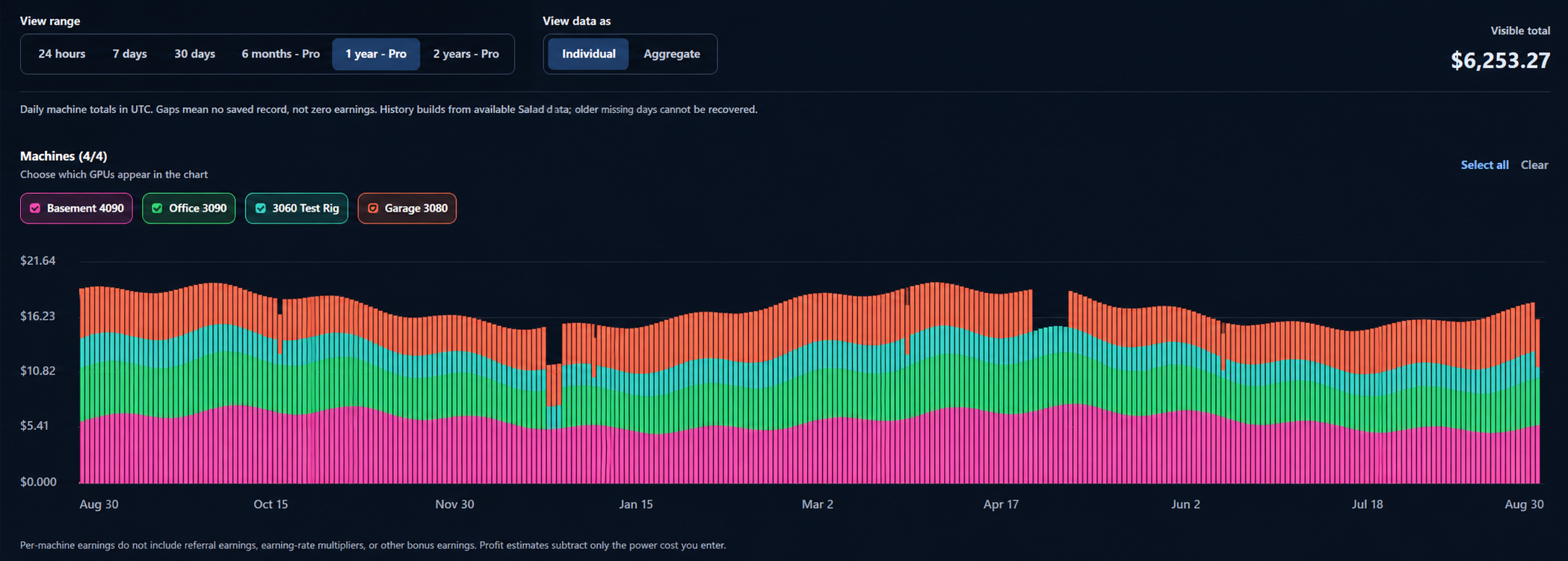
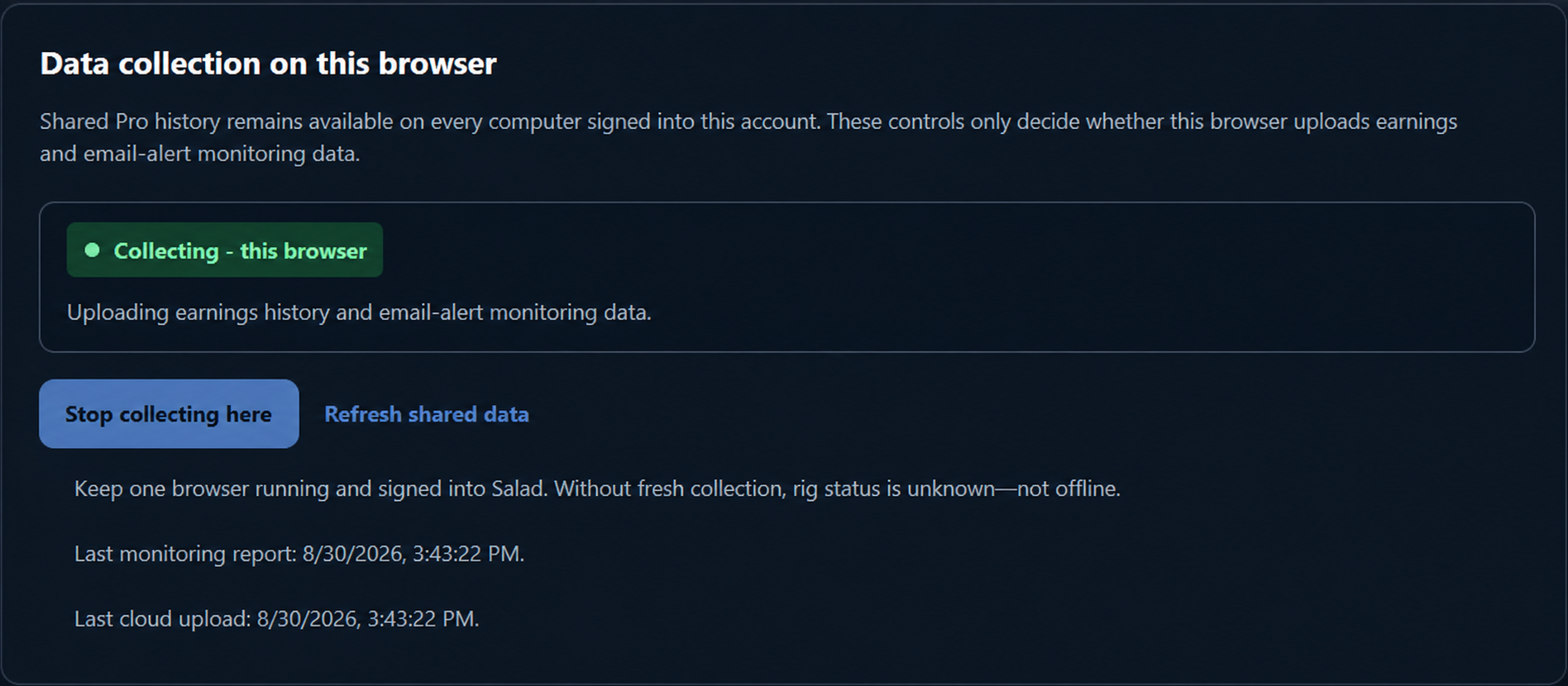
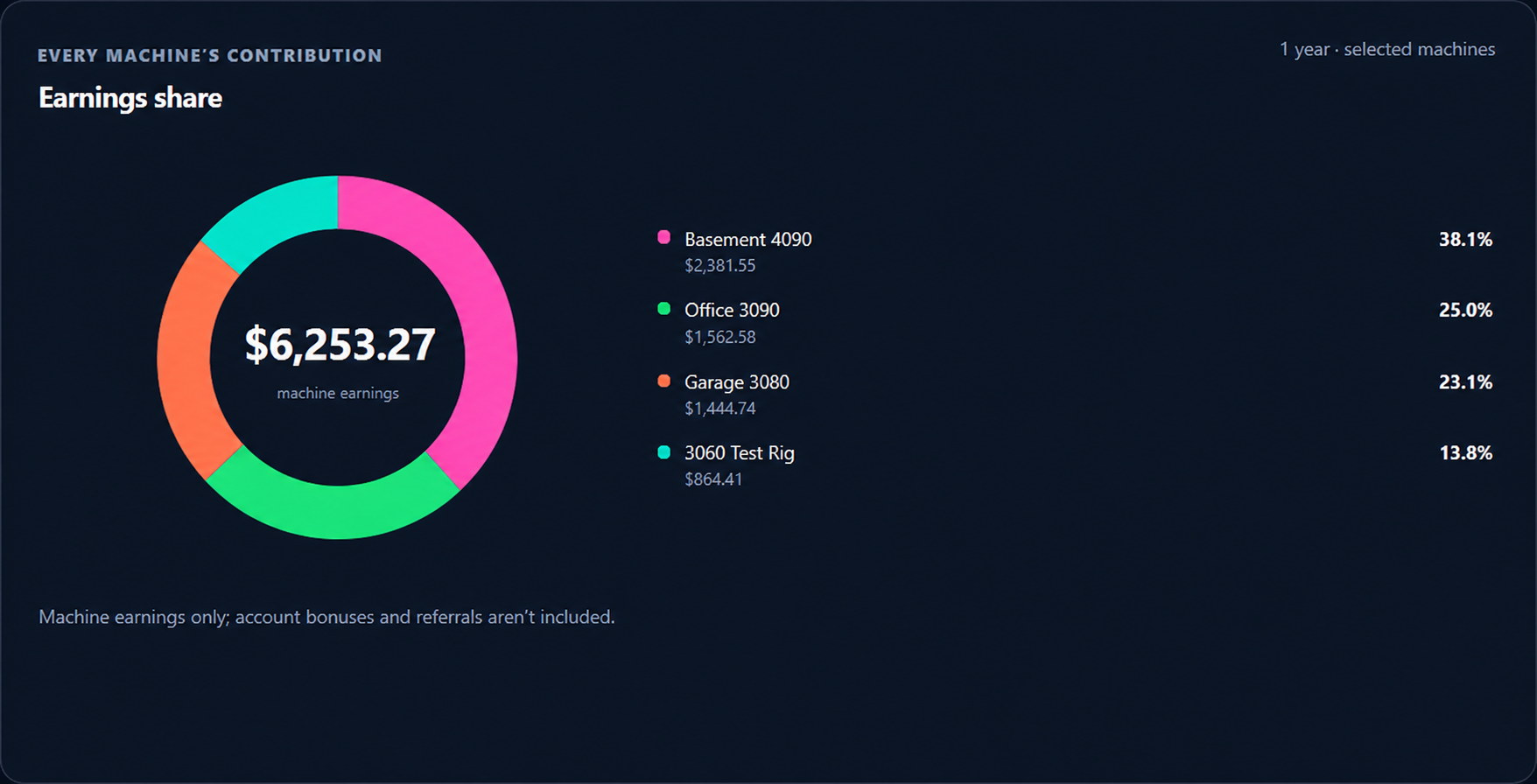
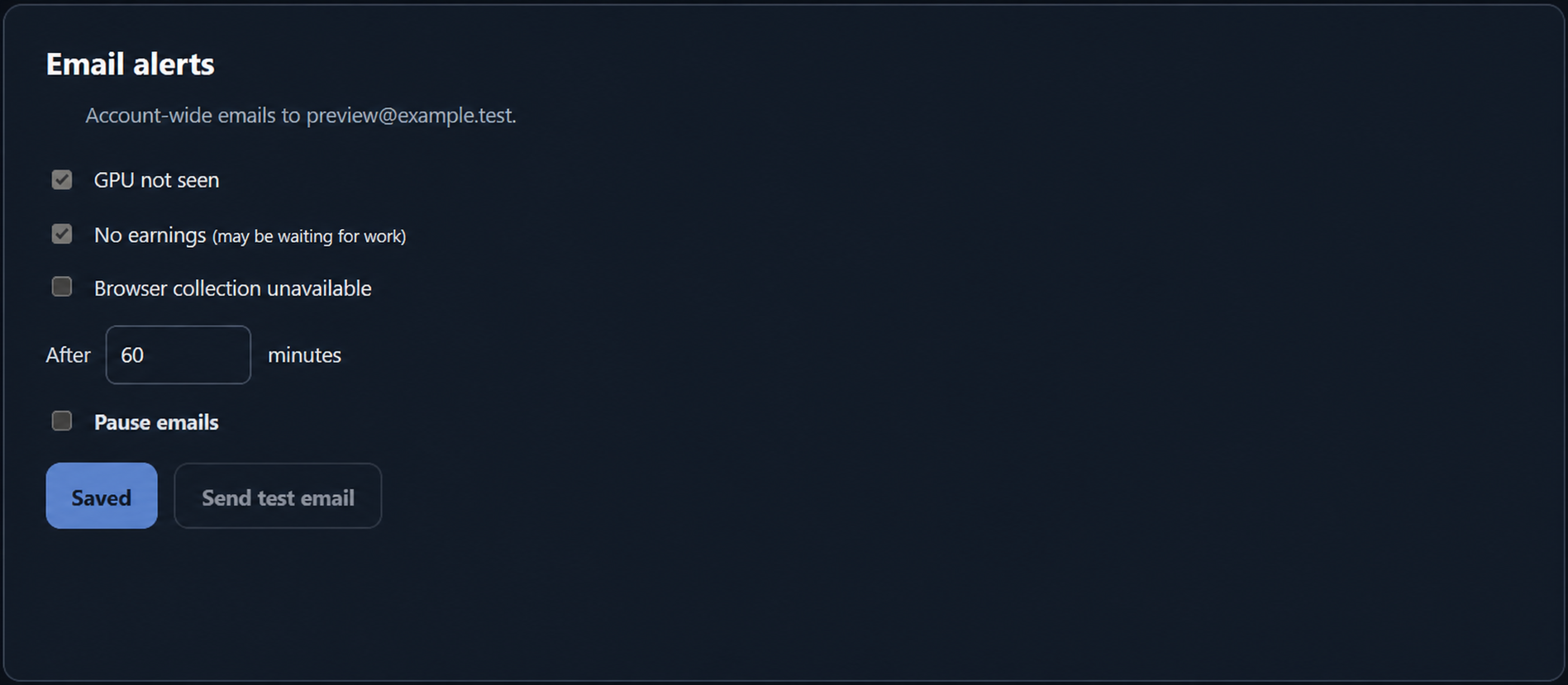
Pro members can sign in to the read-only web dashboard from any browser and add it to an iPhone home screen like an app. The extension remains the collector.
Open the hosted dashboard →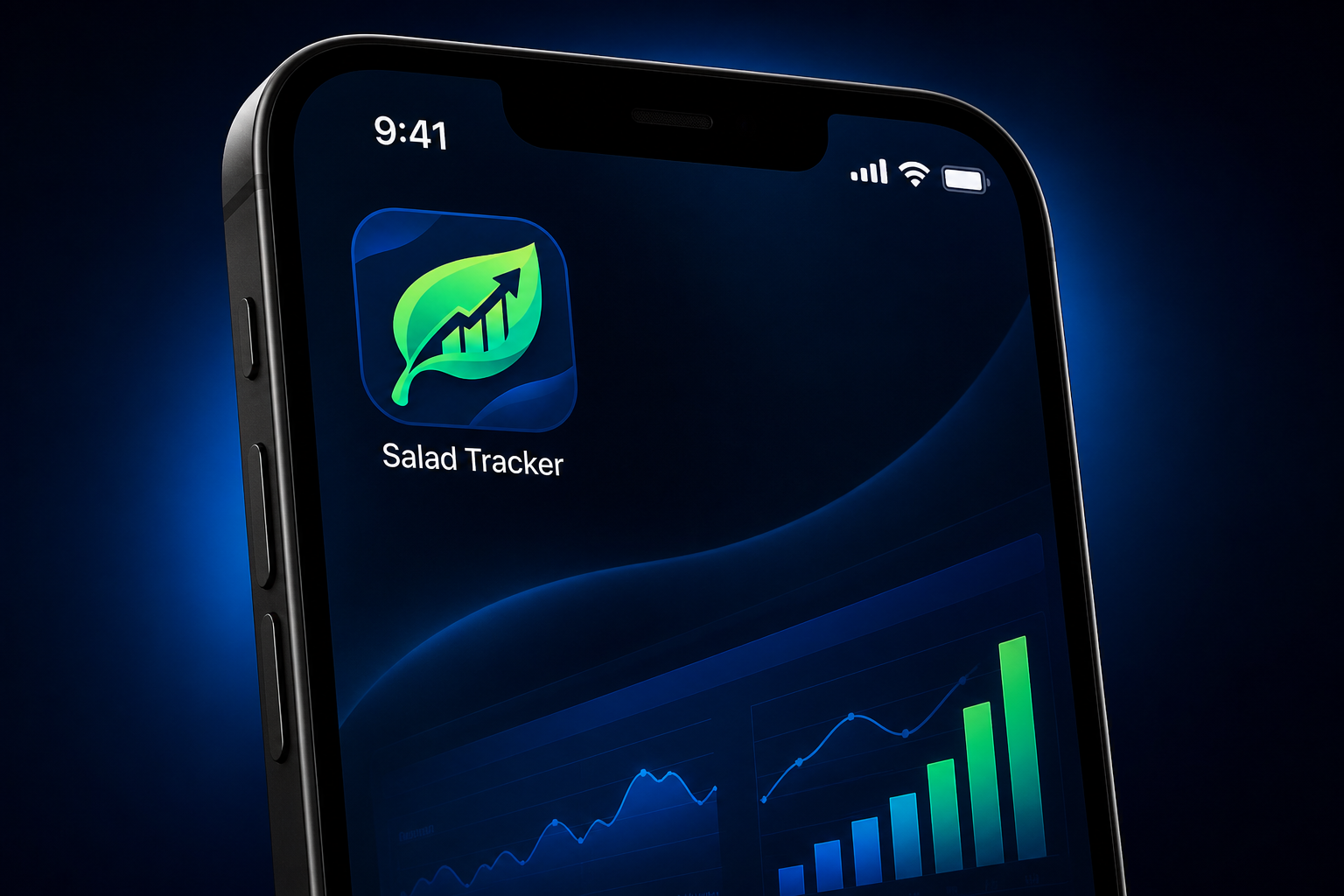
See the support guides or email saladtracker@gmail.com.
It is an independent Chrome extension that turns available Salad machine and earnings data into a focused dashboard for GPU earners.
No. It is an independent companion product for Salad users and does not claim official affiliation with Salad.
No. Free history stays local. Optional Pro uploads require separate consent, and the service does not request your Salad password, cookies, or Gmail mailbox.
Install the extension, open Salad, and get a clearer operating picture in minutes.